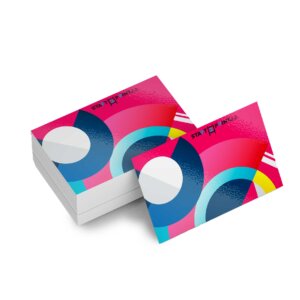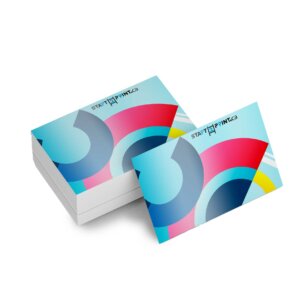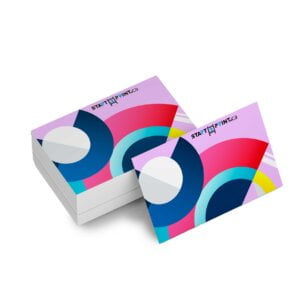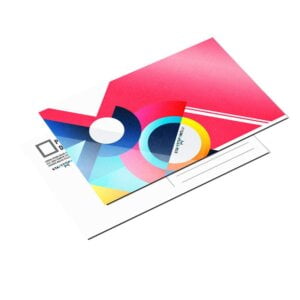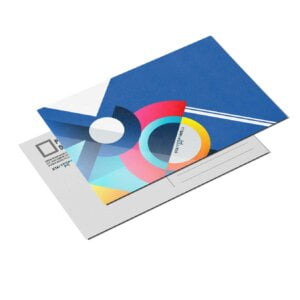

Matte Finish Invitations
From $0.78
Print cost-effective yet professional invitations and announcement cards for every occasion.
- Most popular stock
- Simple, clean finish
- Not folded or scored
- Optional envelopes
Description
Envelope
Below are the envelope sizes for each of our standard greeting card sizes. Please note that any custom size greeting cards will not be a perfect fit with our standard envelopes. These envelopes will not be printed (white only). For printed envelopes, please order here.


Low Prices
These invitations and announcements not only help you stay on budget—they also help you earn more print profit with the same high-quality printing.

Clean Matte Finish
While the C2S stock itself has a very slight glossiness, we don’t add any extra coating, leaving the product simple yet professional.

Popular and Versatile
This is one of our most popular stocks! They can be used for baby announcements, event invitations, thank you notes, and more.
Additional information
| Weight | 0.06 lbs |
|---|---|
| Dimensions | 10 × 40 × 40 in |
Download Setup Guide

Step 1:
Ensure the file matches the product’s required dimensions. Ensure that the artwork
is created in CMYK 300 dpi with 1/16 inch bleeds on all sides.

Step 2:
Make sure that all images are embedded, and that all the text is outlined.

Step 3:
Export all files into PDF format with bleeds.
How to set up multi-page files properly
File Orientation Guide
File Orientation refers to the orientation of the artwork files submitted. Ensure that they are submitted to back up properly to produce the intended result.
Flat Artwork (Postcards, Flyers etc.)

How To Set Up Your Files
General File Preparation Guidelines
- Download our guides to ensure a more optimal print result.
- Be sure to DELETE any hidden layers that are not intended to print (ie: setup guide layers or other hidden artwork layers) to ensure no risk of them appearing on the final print.
- Each job (including multiple paged projects) must be submitted as a single PDF file. Ensure that all pages are the same size.
- Files must be submitted with proper orientation to ensure proper backup.
- It is best to try to avoid using borders in your design. If a border is too close to the trim, the trim may be slightly off-center.
- File must consist of 1/8″ bleed and all important art and text must be within the safety margin.
- Ensure that your PDF is high res and that all images are CMYK at 300 DPI.
- Black type should have the following values: C0, M0, Y0, K100.
- Embed or outline all fonts.
- For best colour results, supply a CMYK only files.