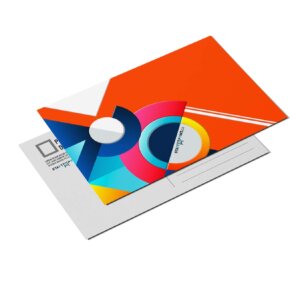

Business Card Linen
$137.50Total for quantity 250 · before tax and shipping
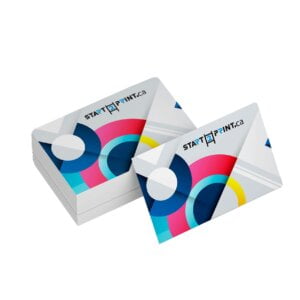
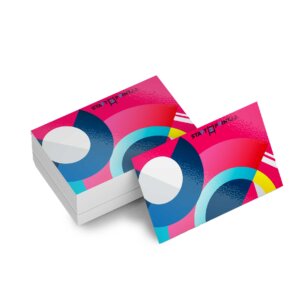
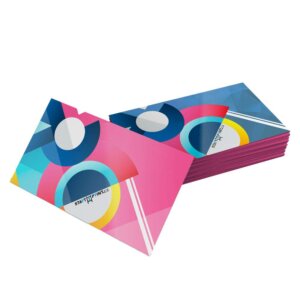
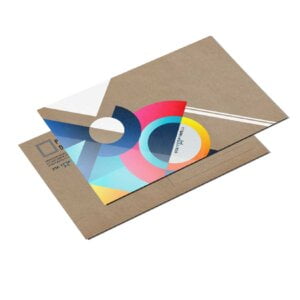
- Business cards are widely used as a networking tool and a way to make a good first impression. Linen business cards offer a premium look and a distinctive feel that stand out.
Description
Description
| Paper Type | 13pt Linen Card Stock |
| Coating | No Coating |
| Color | Full color CMYK: 1 sided (4/0), or 2 sided (4/4) |
| Quantities | Ranges from 250 to 5,000 |
| Sizes | 3.5” x 2” (firm size) |
| Finishing | Cut to size and box. Rounded corners are optional (1/4″ radius). |
| File Type | Print Ready PDF file |
Additional information
Additional information
| Weight | 0.02 lbs |
|---|---|
| Dimensions | 10 × 40 × 40 in |
How To Set Up Your Files
How To Set Up Your Files
General File Preparation Guidelines
- Download our guides to ensure a more optimal print result.
- Be sure to DELETE any hidden layers that are not intended to print (ie: setup guide layers or other hidden artwork layers) to ensure no risk of them appearing on the final print.
- Each job (including multiple paged projects) must be submitted as a single PDF file. Ensure that all pages are the same size.
- Files must be submitted with proper orientation to ensure proper backup.
- It is best to try to avoid using borders in your design. If a border is too close to the trim, the trim may be slightly off-center.
- File must consist of 1/8″ bleed and all important art and text must be within the safety margin.
- Ensure that your PDF is high res and that all images are CMYK at 300 DPI.
- Black type should have the following values: C0, M0, Y0, K100.
- Embed or outline all fonts.
- For best colour results, supply a CMYK only files.
Download Setup Guide
Download Setup Guide

Step 1:
Ensure the file matches the product’s required dimensions. Ensure that the artwork
is created in CMYK 300 dpi with 1/16 inch bleeds on all sides.

Step 2:
Make sure that all images are embedded, and that all the text is outlined.

Step 3:
Export all files into PDF format with bleeds.
How to set up multi-page files properly
Shipping & Delivery