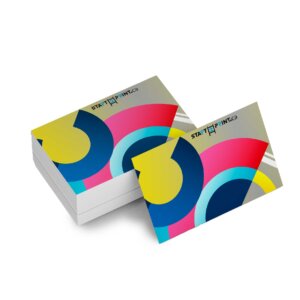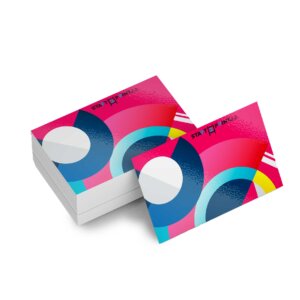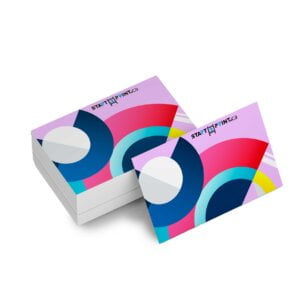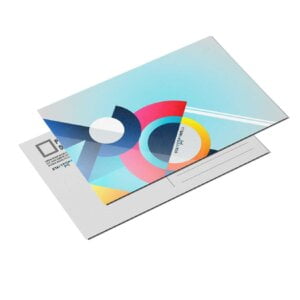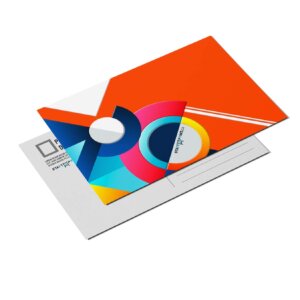

Business Card Metallic Foil
From $0.56
- Raised foil Business Card stand out with their silver or gold custom foil printing. Our foil printing produces a premium look popular for high-end postcards and certificates.
Description
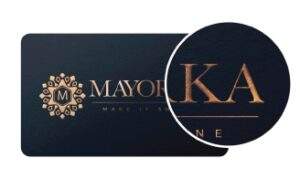
16pt + 2pt Laminated Stock
If you want to make a strong first impression, foil business cards will help you emit professionalism and give your marketing materials an elegance to be held in high regard.
Features
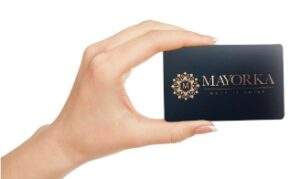

Premium Feel
Our metallic foil cards hold a reassuring, physical quality that lets your customers know they’re in the right hands.
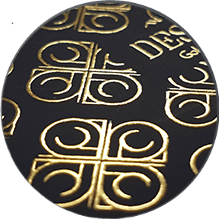

Raised Foil
Raised foil adds an additional layer of texture to your card. It allows for a designated area to be given more prominence, ensuring your card receives a great deal of interest and professionalism.
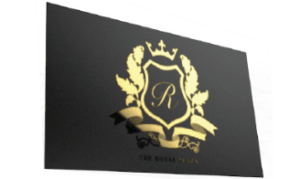

Reflective Foil
This specialty technique produces your artwork in your choice of gold or silver foil color, stamped onto the card for stunning results.
Additional information
| Weight | 0.03 lbs |
|---|---|
| Dimensions | 10 × 40 × 40 in |
How To Set Up Your Files
General File Preparation Guidelines
- Download our guides to ensure a more optimal print result.
- Be sure to DELETE any hidden layers that are not intended to print (ie: setup guide layers or other hidden artwork layers) to ensure no risk of them appearing on the final print.
- Each job (including multiple paged projects) must be submitted as a single PDF file. Ensure that all pages are the same size.
- Files must be submitted with proper orientation to ensure proper backup.
- It is best to try to avoid using borders in your design. If a border is too close to the trim, the trim may be slightly off-center.
- File must consist of 1/8″ bleed and all important art and text must be within the safety margin.
- Ensure that your PDF is high res and that all images are CMYK at 300 DPI.
- Black type should have the following values: C0, M0, Y0, K100.
- Embed or outline all fonts.
- For best colour results, supply a CMYK only files.
Download Setup Guide
Important Notice!
For best results, we strongly recommend you ensure the following to minimize the potential of text filling in:
- Supply fonts larger than 8pt
- Use sans serif fonts
- Avoid having artwork underneath the foil areas (i.e. using a mask instead)
We do not recommend extending the Metallic Foil design to the edge of the card, as there would be a high possibility of the foil peeling off. There should be at least a 5mm foil-free area around the edges. Failing to provide this could result in delays and/or unexpected print results.

Step 1:
Ensure the file matches the product’s required dimensions. Ensure that the artwork
is created in CMYK 300 dpi with 1/16 inch bleeds on all sides.

Step 2:
Make sure that all images are embedded, and that all the text is outlined.

Step 3:
Export all files into PDF format with bleeds.