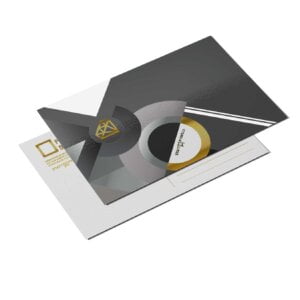

UV (High Gloss) Posters
$150.00Total for quantity 100 · before tax and shipping
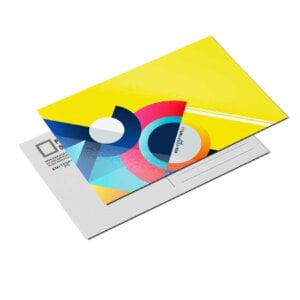
- Posters are a great way to promote events and any other type of advertising. These posters offer a very glossy and shiny look that is very easy to notice.
Choose Size
Description
Description
| Paper Type | 100lb Glossy Text Stock | ||||
| Coating | High Gloss UV coating | ||||
| Color | Full color CMYK: 1 sided (4/0), or 2 sided (4/4) | ||||
| Quantities | Ranges from 100 to 10,000 | ||||
| Sizes |
| ||||
| Finishing | Cut to size and package. | ||||
| File Type | Print Ready PDF file |
Additional information
Additional information
| Weight | 0.05 lbs |
|---|---|
| Dimensions | 10 × 40 × 40 in |
How To Set Up Your Files
How To Set Up Your Files
General File Preparation Guidelines
- Download our guides to ensure a more optimal print result.
- Be sure to DELETE any hidden layers that are not intended to print (ie: setup guide layers or other hidden artwork layers) to ensure no risk of them appearing on the final print.
- Each job (including multiple paged projects) must be submitted as a single PDF file. Ensure that all pages are the same size.
- Files must be submitted with proper orientation to ensure proper backup.
- It is best to try to avoid using borders in your design. If a border is too close to the trim, the trim may be slightly off-center.
- File must consist of 1/8″ bleed and all important art and text must be within the safety margin.
- Ensure that your PDF is high res and that all images are CMYK at 300 DPI.
- Black type should have the following values: C0, M0, Y0, K100.
- Embed or outline all fonts.
- For best colour results, supply a CMYK only files.
Download Setup Guide
Download Setup Guide

Step 1:
Ensure the file matches the product’s required dimensions. Ensure that the artwork
is created in CMYK 300 dpi with 1/16 inch bleeds on all sides.

Step 2:
Make sure that all images are embedded, and that all the text is outlined.

Step 3:
Export all files into PDF format with bleeds.
How to set up multi-page files properly
File Orientation Guide
File Orientation Guide
File Orientation refers to the orientation of the artwork files submitted. Ensure that they are submitted to back up properly to produce the intended result.
Flat Artwork (Postcards, Flyers etc.)

Shipping & Delivery